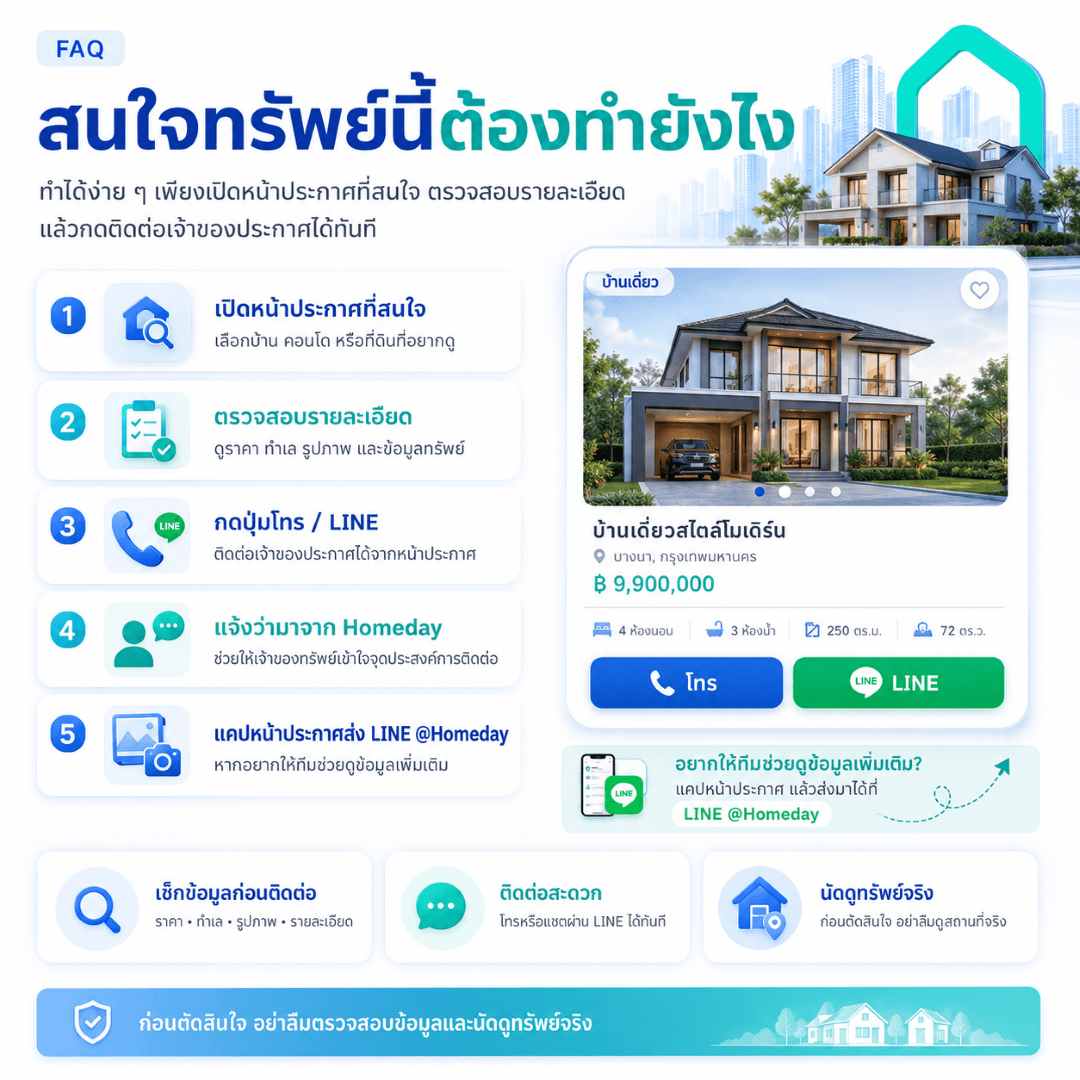
Steps when interested in a property on Homeday:
Open the desired listing page
Select the house, condo, land, or property you want to view more details about.
Review all details thoroughly
Check the price, location, photos, area size, number of rooms, property details, and various conditions before contacting.
Click the Call / LINE button on the listing page
Contact the listing owner or agent directly using the buttons displayed on that listing page.
Mention that you found it on Homeday
This helps the property owner or agent understand which channel you are interested from and coordinate information accurately.
Screenshot the listing and send it to LINE @Homeday if you need further assistance from the team
If you want the team to help review information, check the listing, or provide initial coordination, you can screenshot the listing and send it to LINE Official: @Homeday.
What should you check before making a decision?
Price and terms of sale or rent
Location and transportation
Photos and property details
Information of the listing owner or agent
Schedule a physical viewing before deciding
Verify all important documents or information before making a transaction
If you find a listing with unusual information, photos that don't match, or suspicious content, you can report it to the Homeday team via LINE @Homeday or use the report listing channel for further investigation by the team.